
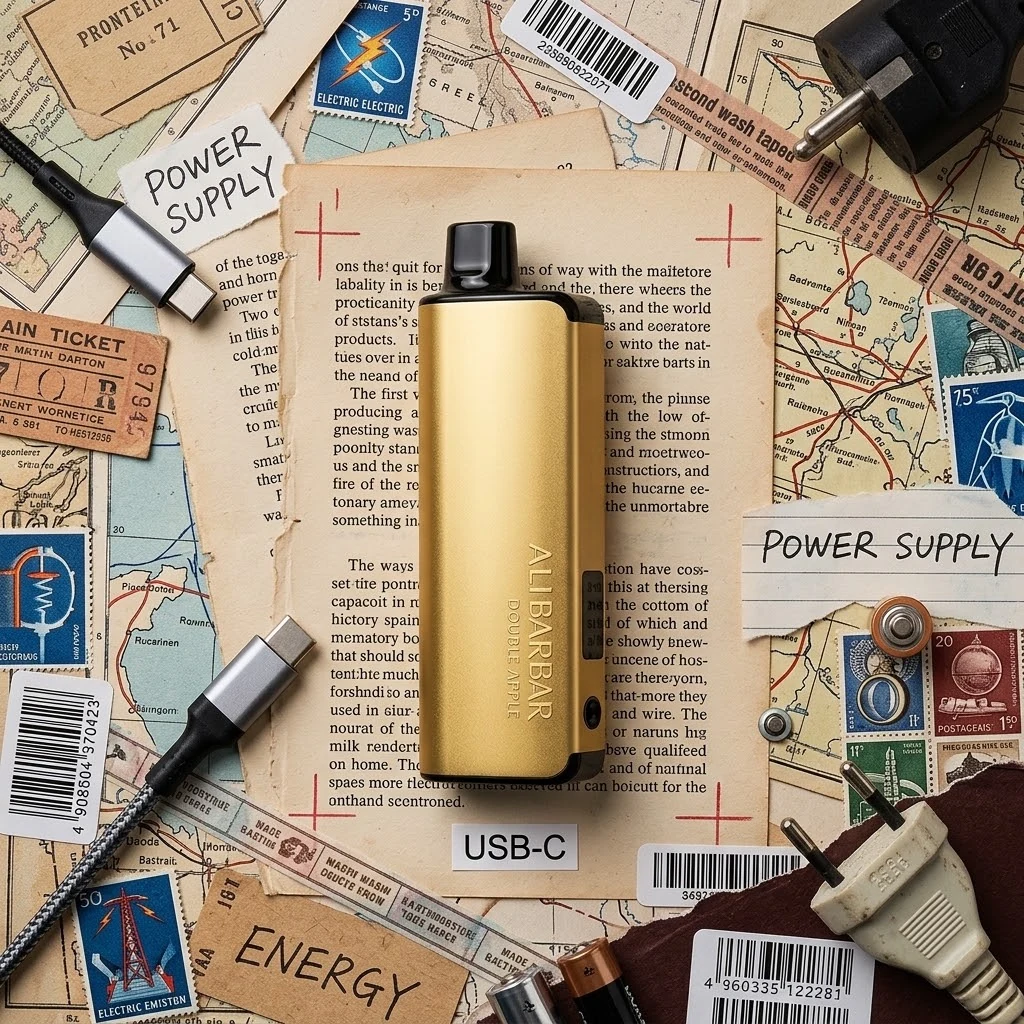
How to Charge ALIBARBAR PRO 10K: The Safe USB-C Guide (2026)
18+ only. Contains nicotine — an addictive substance. This article is for adult vapers aged 18 or over. Information is for general purposes and not medical advice.
The Short Version
The ALIBARBAR PRO 10K runs on a 1000mAh battery and charges through a standard USB-C port, and its LED screen shows both puff count and battery level, so you always know exactly where the charge sits. Use a low-power charger — an old phone brick beats a fast laptop charger every time with a sealed disposable. Unplug when the screen reads full, never charge overnight or under a pillow, and stop the moment the device feels hot. Follow those rules and the battery will see you through the full 10,000 puffs. Right now the PRO 10K is temporarily sold out at Cloud Collective while the next shipment clears customs — when it lands it’s back at A$46, and the WALA POP 10000 (A$52, in stock) is the closest alternative. Full charging guide below.
1. What You’re Charging: The 1000mAh USB-C Battery
Before the how, a quick look at the what. The ALIBARBAR PRO 10K is a 10,000-puff disposable built around three things: a 1000mAh battery, a USB-C charging port, and an LED screen that tracks both puff count and battery level. Under the hood it runs a dual mesh coil on 5% nicotine salt — the standard strength for nicotine vapes in Australia — and at A$46 it’s the cheapest 10K on the Australian market (the IGET BAR PRO runs A$55).
In a disposable, the battery is the engine room of the whole 10,000 puffs. Treat it well and it quietly does its job for the life of the device. Mistreat it — fast chargers, overnight charging, charging in a hot car — and you shorten the lifespan you paid for. The good news: charging the PRO 10K is genuinely simple, and the screen does the monitoring for you.
2. What You Need to Charge It
The PRO 10K uses standard USB-C — the same connector as most modern phones, tablets and headphones. You need two things:
- A USB-C cable — any cable that fits. USB-C fits one way; don’t force it.
- A USB power adapter — and here’s the important bit: a low-power one is best. The small brick that came with an older phone is ideal.
What you don’t need: the latest 65W laptop charger, a fast-charging brick, or any high-wattage adapter. Modern USB-C chargers can negotiate high power, and while the device’s charging circuit will usually limit what it accepts, there’s no reason to test it. When in doubt, choose the smaller, older, slower charger — it will never be the wrong answer.
3. Step-by-Step: Charging the ALIBARBAR PRO 10K
There’s no app, no button combination, no trick:
- Locate the USB-C port on the device.
- Plug in the cable — it fits one way, so if it doesn’t seat cleanly, flip it.
- Connect the cable to a low-power adapter and plug it into a wall socket.
- Watch the LED screen. The battery level is displayed right there — you’ll see it climbing.
- When the battery indicator reads full, unplug it.
That’s genuinely it — the screen tells you the state of the charge, and there’s no calibration dance or “charge to 80% for battery health” ritual that matters for a disposable.
4. How Long Does It Take?
Here’s the honest answer: it depends on the charger, and the screen is the source of truth. We won’t quote a minute count we can’t verify on your charger — what we can tell you is how to know it’s done: the LED screen shows the battery level, it climbs while charging, and when it reads full, it’s done.
What we can say with confidence:
- A low-power charger is the safe, recommended path. It may take a little longer per session — and that’s fine. Gentle is the whole game with sealed lithium cells.
- A fast charger might top it up quicker, but it stresses the cell while it does it. Quicker isn’t better when the battery has to last the full 10,000 puffs.
- Top-ups beat full cycles. You don’t need to wait for flat before charging — plugging in at 30% or 40% and unplugging at full is kinder to the cell than running it to zero.
The practical rhythm: charge it while you’re at your desk, glance at the screen occasionally, unplug when it’s full. No clocks required.
5. Battery Care: Rules for a Long Life
Seven rules that keep the 1000mAh cell happy for the whole life of the device:
- Charge before it’s completely flat. Draining a lithium cell to zero repeatedly shortens its life — a top-up at 20–30% is better than a rescue from 0%.
- Use a low-power charger. The smaller the brick, the safer the charge.
- Unplug when the screen reads full. The extra hour at 100% does nothing good.
- Never charge overnight unattended. The screen tells you when it’s done.
- Keep it cool while charging. Not in direct sun, not on the dash, not under a pillow — charging generates heat on its own; don’t add more.
- Stop if it gets hot. A slightly warm device is normal; a hot one means unplug immediately.
- Don’t charge a damaged device. Cracked shell, hard drop, signs of swelling — that unit is done. Dispose of it properly (check your state’s e-waste rules) and get a fresh one.
These aren’t rituals — they’re the difference between a battery that quietly does its job and one that gives up early.
6. What NOT to Do With Your Charger
The mistakes are more memorable than the rules, so here they are:
- Don’t charge with a 65W laptop brick. USB-C PD chargers can negotiate high power. The device usually limits what it takes — but why gamble on “usually” with a battery in your hand?
- Don’t charge in bed. Under a pillow or doona, a charging battery can’t shed heat — this is how batteries overheat.
- Don’t charge overnight, repeatedly. The protection circuits help, but every extra hour at 100% stresses the cell.
- Don’t use Lightning-to-USB-C adapters. They’re not rated for this and can overheat. If you’re an iPhone person, use a low-wattage USB-C adapter with a USB-C cable.
- Don’t charge in the car on a hot day. Car interiors get brutal in an Australian summer; heat plus charging is the worst combination for a lithium cell.
- Don’t charge a wet device. Moisture and lithium don’t mix.
Every one of these is a “you won’t need to know this until it’s too late” lesson. Now you know them.
7. Reading the LED Screen
The PRO 10K’s LED screen shows you both the puff count and the battery level, live:
- Battery level: visible whenever you check the screen — it climbs while charging, and it’s your signal to unplug when it reads full.
- Puff count: a running tally of how many puffs you’ve taken out of the 10,000 rating — a handy reality check on your usage and where the device sits in its life.
There’s no hidden menu or button combo — the screen shows what it shows, and it’s all you need to charge confidently.
8. Stock Status: Sold Out Right Now
Honest stock note: the ALIBARBAR PRO 10K is temporarily sold out at Cloud Collective while the next shipment clears customs. When it lands, it’s back at A$46 — still the cheapest 10K in the Australian market — with free AU shipping over A$100.
If you need a vape today: the WALA POP 10000 at A$52 is in stock — a compact 10,000-puff device, 20 flavours, same 5% nicotine salt standard. If you’d rather wait, keep an eye on the product page — stock moves fast when it lands. Either way, you’re buying from a store that verifies 18+ at checkout, ships with tracking, and packs in plain, unmarked packaging.
Explore the full range at Cloud Collective: Alibarbar Pro 10K 10000 Puffs, Browse All, Bundles, Rewards, Shipping Delivery.
Pair this with our ALIBARBAR care guide and the full review.
9. FAQ
What charger should I use for the ALIBARBAR PRO 10K?
Any USB-C cable plus a low-power adapter — the small brick that came with an old phone is ideal. Avoid fast chargers and high-wattage laptop bricks.
How long does the ALIBARBAR PRO 10K take to charge?
It depends on the charger — and the LED screen shows the battery level, so it tells you exactly when it’s full. Don’t rush a sealed lithium cell.
Can I vape while it’s charging?
Not recommended. Charging and heating at the same time stresses the battery. Unplug it, use it, then charge it.
Can I use an iPhone charger?
The device is USB-C, so you need a USB-C cable. A low-wattage USB-C adapter is fine — skip Lightning-to-USB-C adapters, they’re not rated for this.
Is the ALIBARBAR PRO 10K battery replaceable?
No — it’s a sealed disposable. When the liquid runs out, the device is done; dispose of it per your state’s e-waste rules and grab a fresh unit.
Why is the ALIBARBAR PRO 10K out of stock?
Australian nicotine vape imports go through customs clearance, which causes periodic stock gaps. It restocks at Cloud Collective at A$46 — check the product page, or grab the in-stock WALA POP 10000 in the meantime.